Add Uploady to JDownloader 2
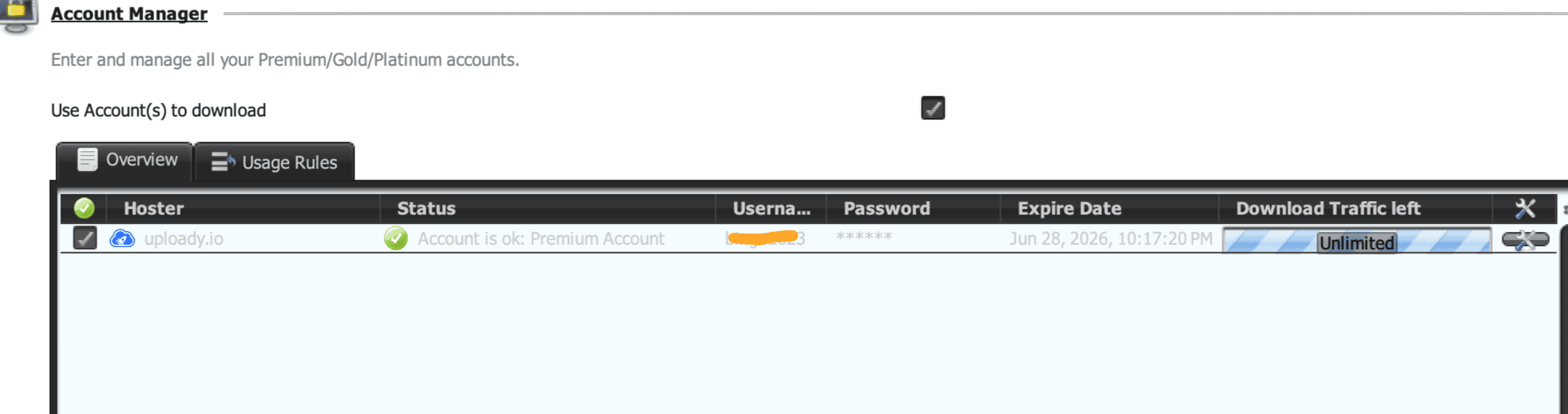
Open Settings, choose Account Manager, select Add, search for Uploady.io and enter your Premium login. Confirm that JD2 reports the account as valid before starting a queue.
A short setup guide for using Uploady Premium in a browser or with JDownloader 2.
Open Settings, choose Account Manager, select Add, search for Uploady.io and enter your Premium login. Confirm that JD2 reports the account as valid before starting a queue.
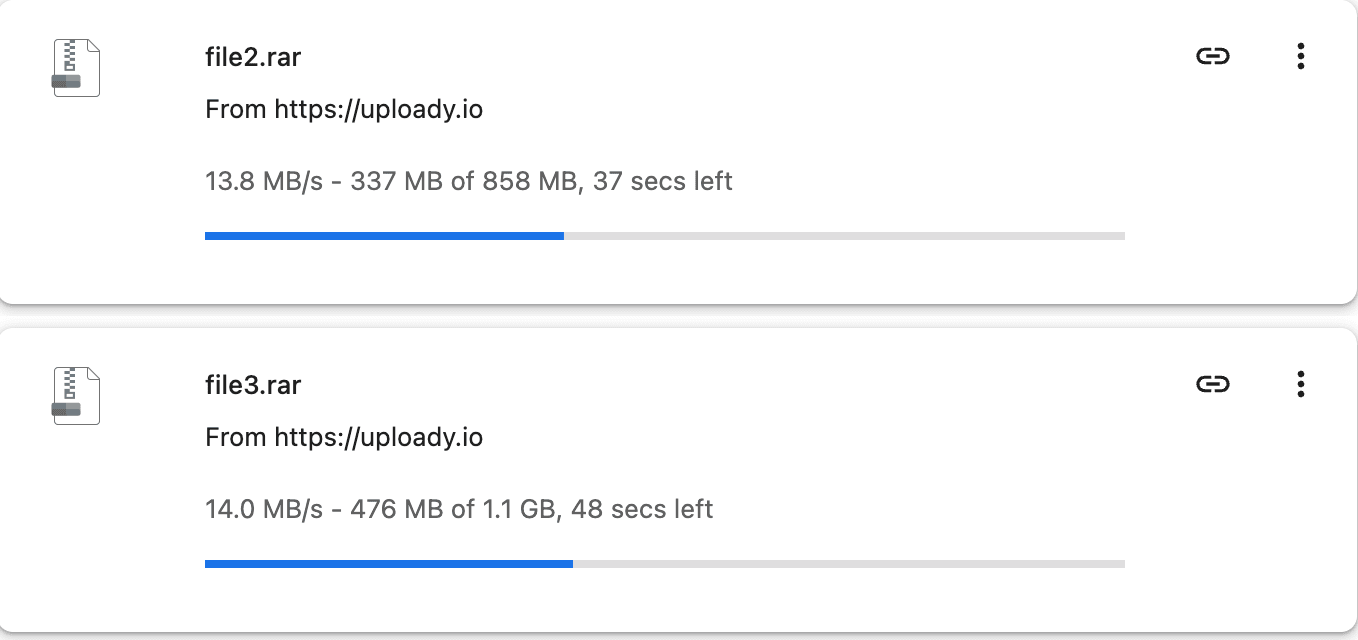
Our test used four files at once. Start with two to four downloads; more connections do not always improve total speed and can make troubleshooting harder.
Sign in to Uploady before opening the file link. If speed is inconsistent, test one file first, then compare a second browser or JD2 without changing several variables at once.
Re-enter the login, confirm the subscription is active on Uploady, update JD2 and retry. For billing or account access, contact Uploady’s official support.